

Mix · Available
Veer Drive
Add warmth, edge or full-on grit, and keep the top end clean.
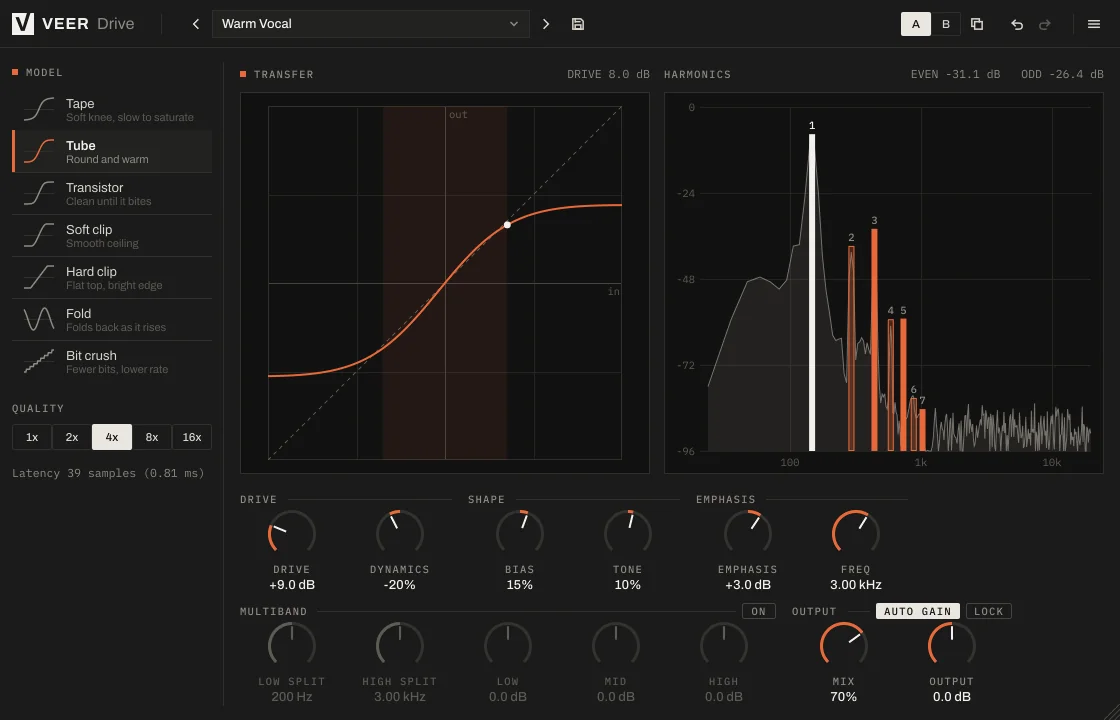
Drive gives a track weight and presence. Start subtle with tape or tube, push into clipping, or fold and crush the sound into something new.
 Enlarge image
What it does
Seven kinds of saturation, from warm to wrecked.
Seven models
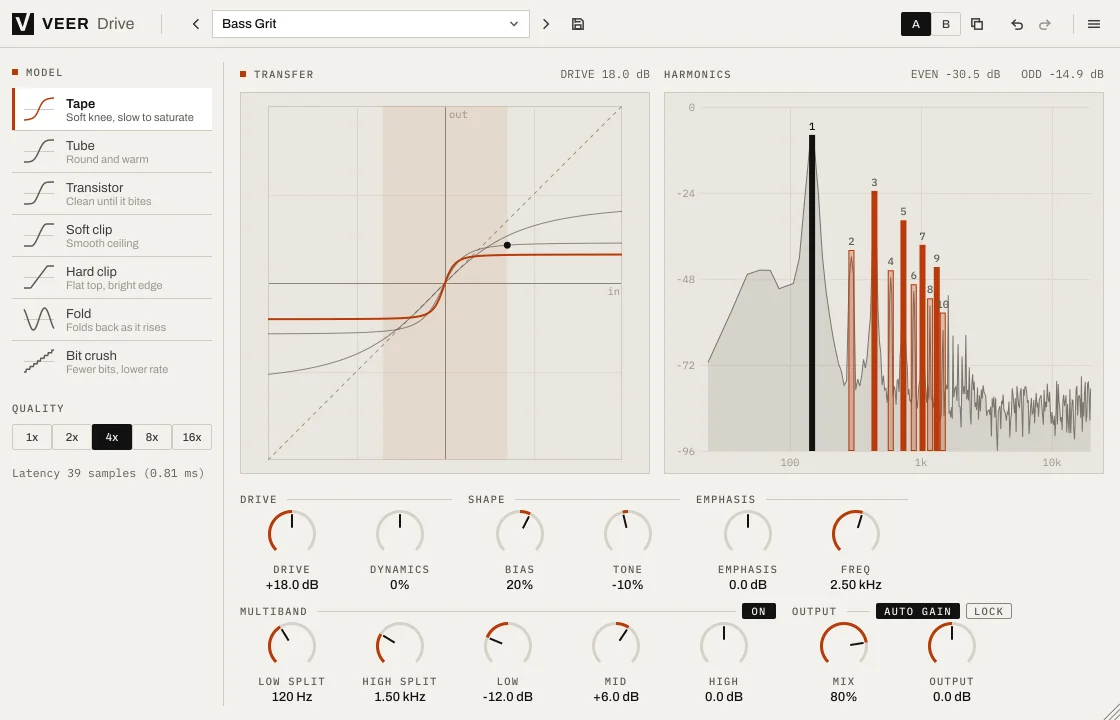
Tape, Tube, Transistor, Soft clip, Hard clip, Fold and Bit crush, each with a short note on how it behaves.
Clean highs
Up to 16× oversampling keeps the top end smooth, even when you push hard.
Auto gain
The output stays at the same loudness as you turn up the drive, so you judge the tone, not the volume.
Three bands
Split the sound into lows, mids and highs and drive each one differently: grit on the mids, a solid low end.
See the harmonics
A live display shows the harmonics you add as you turn the knob.
Screenshots
A closer look
Every Veer plugin
Built the same way.
- English and Turkish interface
- Light and dark themes
- Presets with A/B comparison and undo
- Resizable window, sharp on high-resolution screens
- VST3, AU, CLAP and Standalone on Windows and macOS
| Windows | Windows 10 or later, 64-bit |
|---|---|
| macOS | macOS 12 Monterey or later, Universal (Apple silicon and Intel) |
| Formats | VST3, AU (macOS), CLAP and Standalone |
| Hosts | Any 64-bit host that loads VST3, AU or CLAP |
| Activation | Internet connection for activation; works offline afterwards within the offline period |
| Display | Resizable interface, sharp on HiDPI / Retina |
More
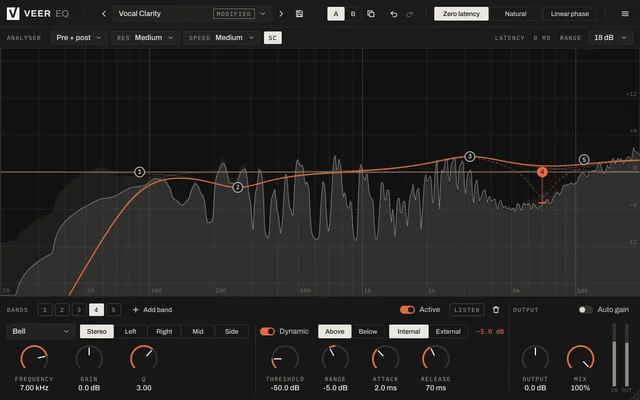
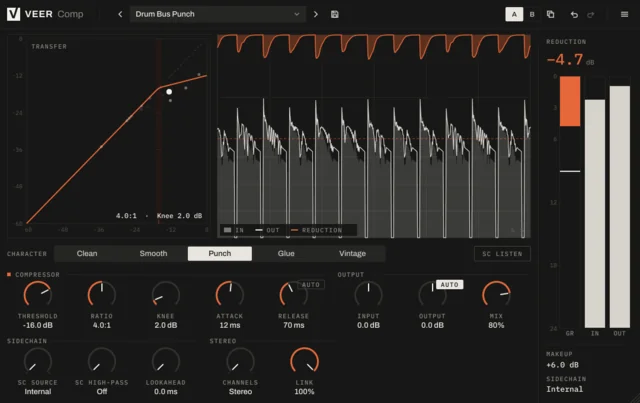
More mix tools
Try it for 14 days. Then decide.
The trial is fully functional. When you buy, the same installation unlocks with your key.