

Mix · Available
Veer EQ
Shape the tone you hear, and tame the spots that only flare up now and then.
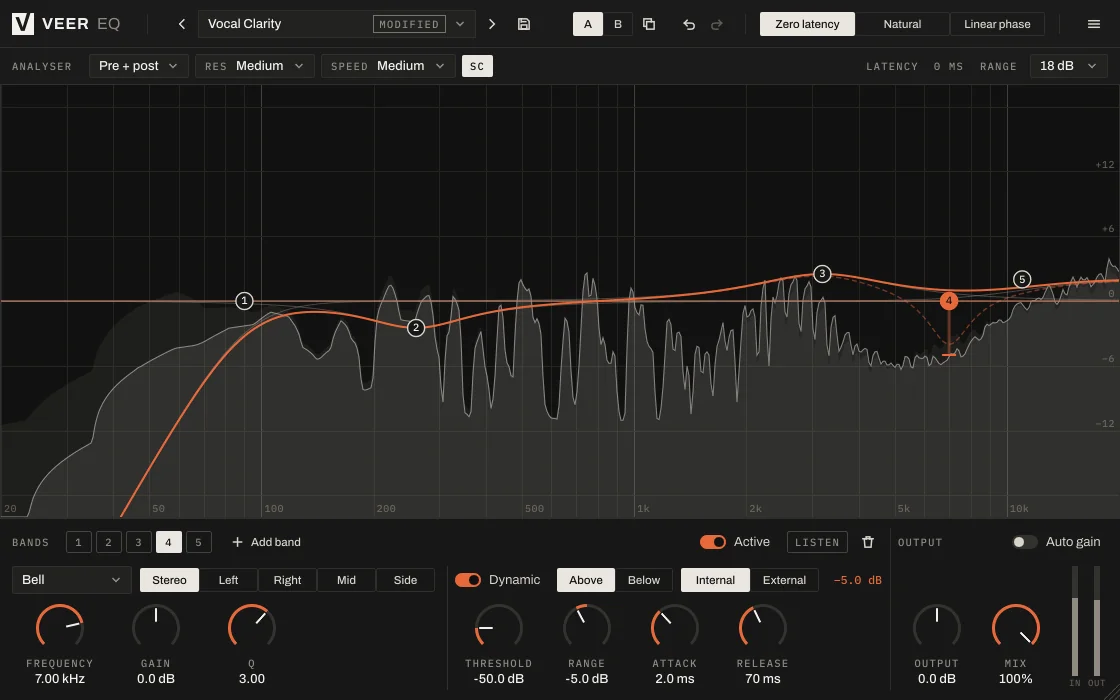
Click on the analyser to add a band and drag it where it sounds right. When a problem only shows up on certain notes or hits, make the band dynamic and it acts only then.
 Enlarge image
What it does
Up to 16 bands, dynamic when you need it.
Up to 16 bands
Bells, shelves and cuts over a live analyser. Drag the points; no numbers needed unless you want them.
Dynamic bands
A dynamic band only cuts or boosts when that frequency gets too loud: ideal for a resonance that comes and goes.
Left, right, mid or side
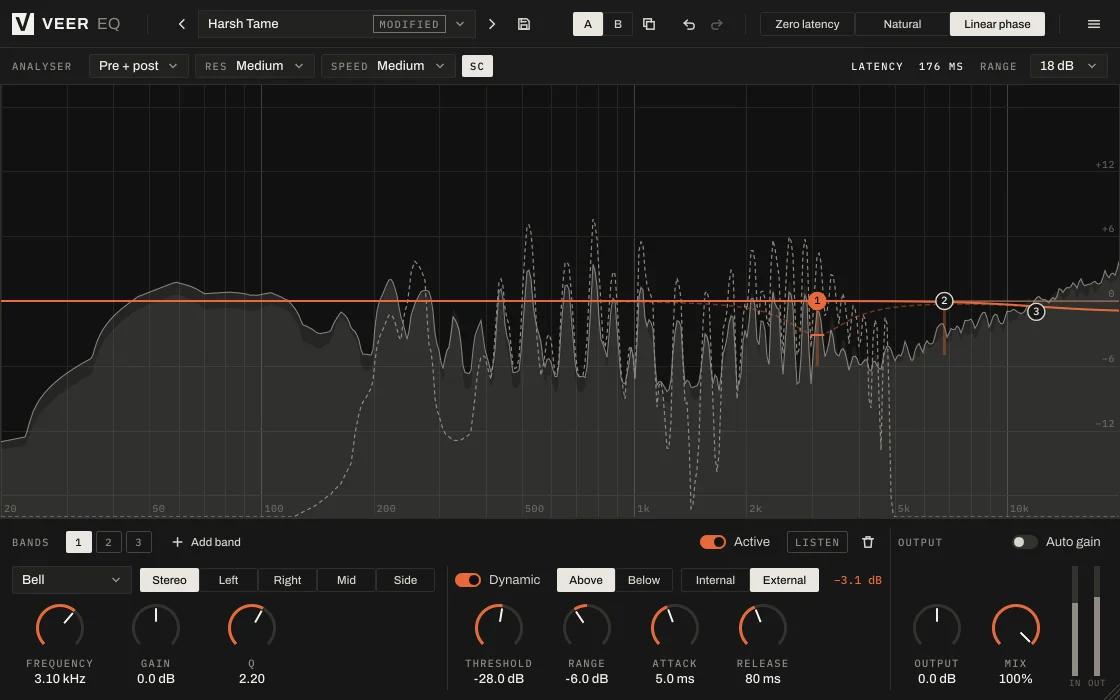
Each band works on the full stereo signal or only the left, right, middle or sides, so you can clean up the center without touching the width.
Three phase modes
Zero latency for recording, natural for everyday mixing, and linear phase when precision matters most.
Screenshots
A closer look
Every Veer plugin
Built the same way.
- English and Turkish interface
- Light and dark themes
- Presets with A/B comparison and undo
- Resizable window, sharp on high-resolution screens
- VST3, AU, CLAP and Standalone on Windows and macOS
| Windows | Windows 10 or later, 64-bit |
|---|---|
| macOS | macOS 12 Monterey or later, Universal (Apple silicon and Intel) |
| Formats | VST3, AU (macOS), CLAP and Standalone |
| Hosts | Any 64-bit host that loads VST3, AU or CLAP |
| Activation | Internet connection for activation; works offline afterwards within the offline period |
| Display | Resizable interface, sharp on HiDPI / Retina |
More
More mix tools
Try it for 14 days. Then decide.
The trial is fully functional. When you buy, the same installation unlocks with your key.