

Master · Available
Veer Meter
Know whether your master is ready before you upload it.
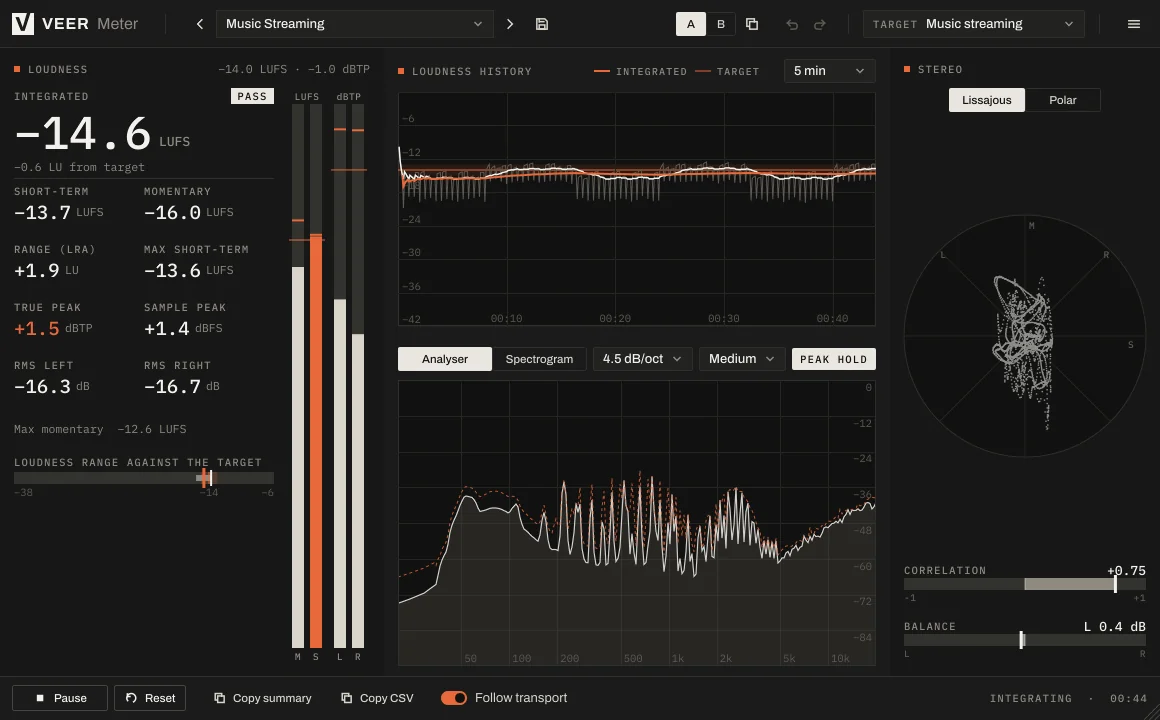
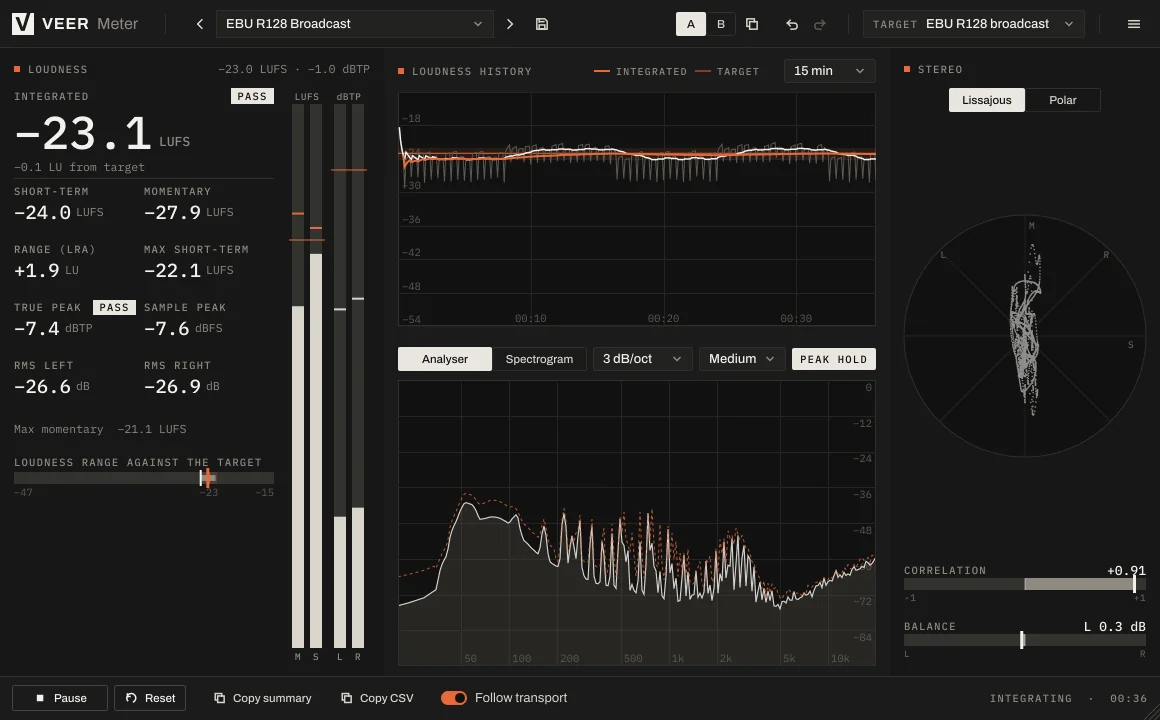
Meter shows what you need to judge a mix in one window: how loud it is, how high the peaks go, how wide it is and where the energy sits. Pick a platform target and it tells you pass or fail.
 Enlarge image
What it does
Loudness, peaks and stereo at a glance.
The full loudness picture
Momentary, short-term and integrated loudness, loudness range, and a history graph of the whole song.
True peak
See the real peaks, including those between samples, next to the sample peaks.
Stereo field
Correlation, balance and a vectorscope show how wide the mix is and whether it holds up in mono.
Spectrum and spectrogram
See where the energy sits, as a curve or over time.
Pass or fail
Choose a platform target and every reading tells you whether it's on target.
Copy a report
Copy a summary or the full data and paste it into your notes or a message.
Screenshots
A closer look
Every Veer plugin
Built the same way.
- English and Turkish interface
- Light and dark themes
- Presets with A/B comparison and undo
- Resizable window, sharp on high-resolution screens
- VST3, AU, CLAP and Standalone on Windows and macOS
| Windows | Windows 10 or later, 64-bit |
|---|---|
| macOS | macOS 12 Monterey or later, Universal (Apple silicon and Intel) |
| Formats | VST3, AU (macOS), CLAP and Standalone |
| Hosts | Any 64-bit host that loads VST3, AU or CLAP |
| Activation | Internet connection for activation; works offline afterwards within the offline period |
| Display | Resizable interface, sharp on HiDPI / Retina |
More
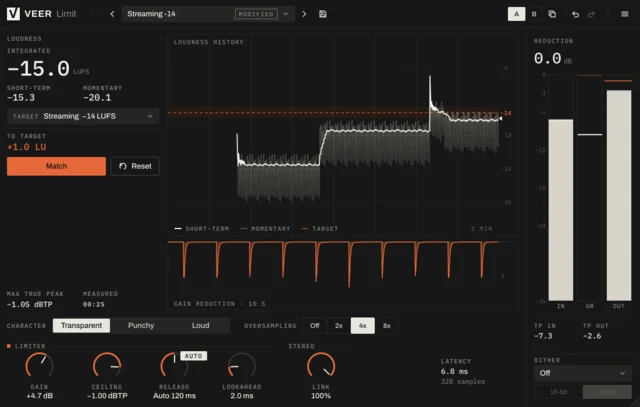
More master tools
Try it for 14 days. Then decide.
The trial is fully functional. When you buy, the same installation unlocks with your key.