

Vocal · Available
Veer Rise
The reverse swell before a vocal phrase, in one click.
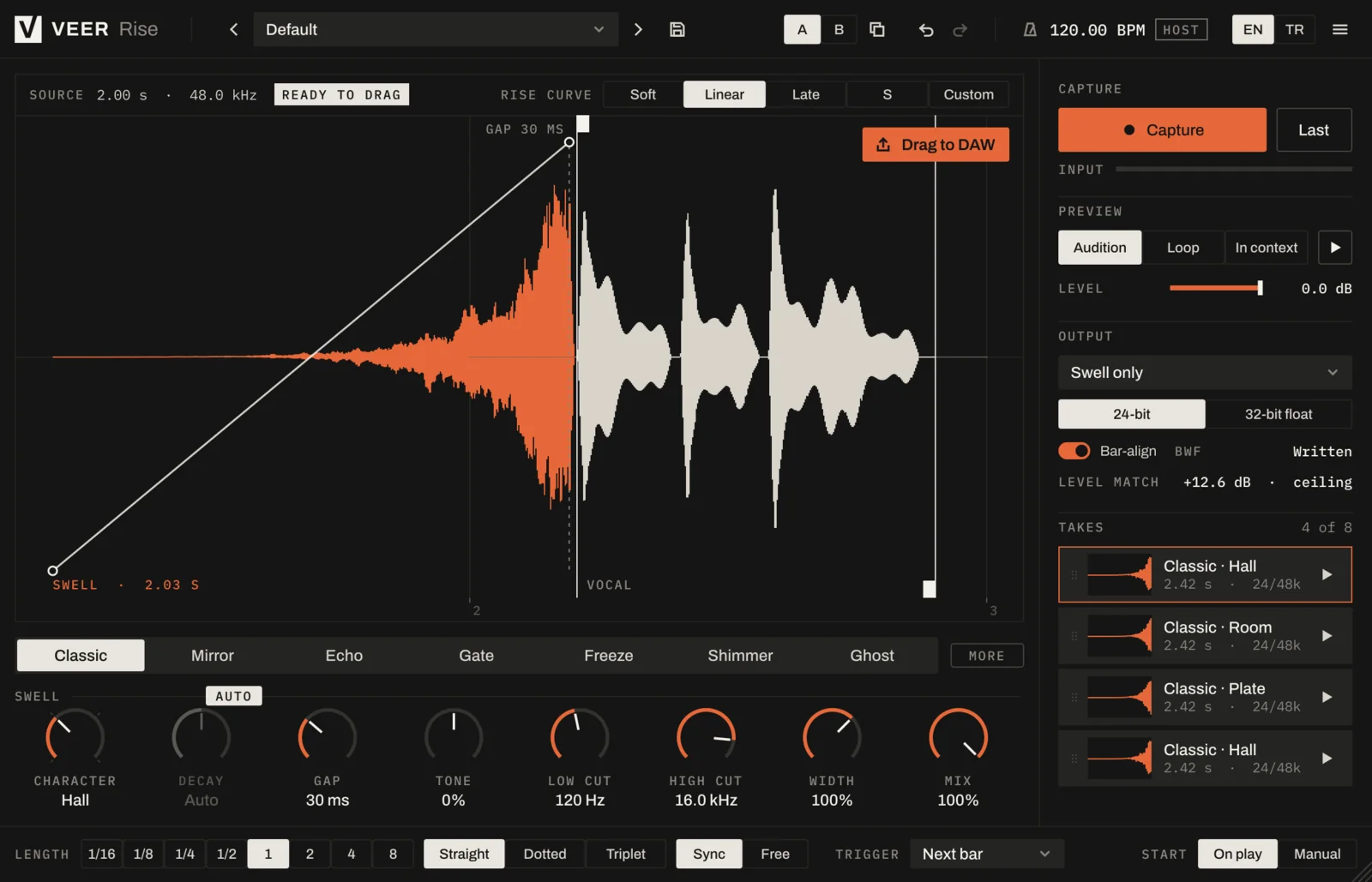
Put Rise on the vocal and play the phrase. It renders the reverse reverb that rises into the first word, and you drag the result straight into your arrangement, right on the beat.
 Enlarge image
What it does
Reverse-reverb swells that rise into the vocal.
One click, then drag
Rise records the phrase while you play and renders the swell in the background. Drag the audio into your session and it sits right before the word.
Seven modes
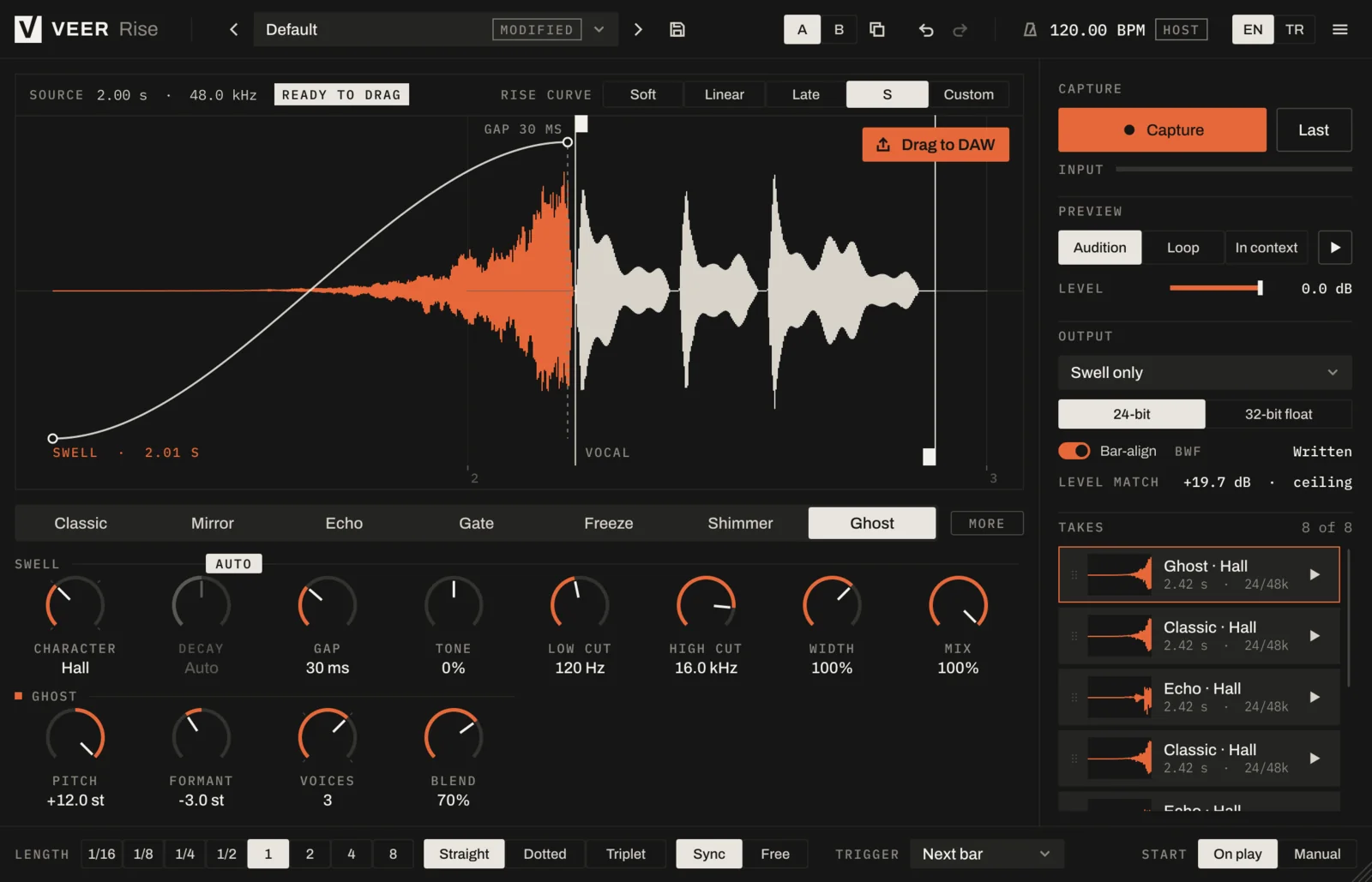
Classic, Mirror, Echo, Gate, Freeze, Shimmer and Ghost: from the familiar reverse vocal to rhythmic chops, frozen pads and a ghost-choir version of the voice.
Locked to your tempo
Swell lengths from 1/16 to 8 bars, straight, dotted or triplet, follow the song. Or set them free in seconds.
Take history
Your last eight renders stay in the list, ready to audition and compare. Keep the one that works.
Level-matched
Swells come out as loud as the vocal they lead into, so you're not riding faders after every render.
Screenshots
A closer look
How it works
Capture, shape, drag.
- 01
Capture
Put Rise on the vocal track and press play. It records the phrase in sync with the host tempo, from 1/16 to 8 bars, or in seconds.
- 02
Shape
Pick a mode and a rise curve. Rendering runs in the background, so you can keep adjusting while you listen.
- 03
Drag
Drag the rendered WAV into the arrangement. It is bar-aligned and carries a BWF timestamp, so it lands right before the word.
Modes
Seven ways to rise.
Classic
The reverse reverb swell most people mean by "reverse vocal".
Mirror
The swell, then a forward tail after the word, tucked under the vocal.
Echo
Reverse echoes in time with the song that speed up into the vocal.
Gate
A rhythmic, chopped swell from 1/8 to 1/32, speeding up if you like.
Freeze
A frozen pad from a chosen moment of the vocal, rising into the phrase.
Shimmer
Octave and fifth inside the reverb for a bright, lifting swell.
Ghost
Pitch and formant shift for a ghost-choir version of the vocal.
Shared controls
Every mode has character, decay, gap, tone, width, mix and the rise curve.
Details
Everything in Rise
Capture
- Automatic on play, or manual start/stop
- Trigger now, on the next bar, or on an input threshold
- 1/16 to 8 bars, straight, dotted or triplet; free mode in seconds
- 60-second circular buffer, so the last phrase is always ready
- Start/end handles, automatic word-onset detection, short fades
Render engine
- Background, cancellable rendering
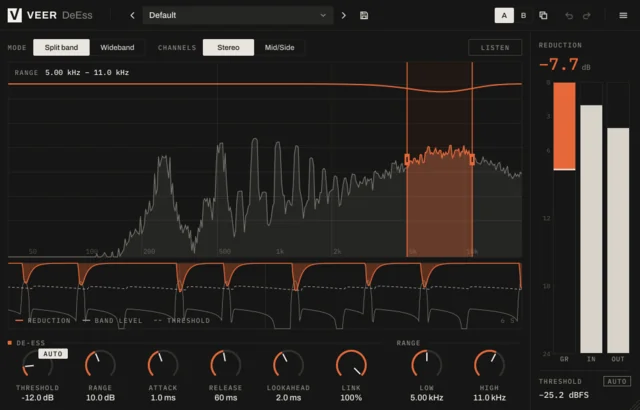
- De-esser before reversing, so "s" and "t" don't bite
- Plate, Hall, Room and Chamber characters
- Automatic decay from the capture length
- Gap control: the breath between swell peak and the word
- Rise curves: Soft, Linear, Late, S, or draw your own
Output
- WAV, 24-bit or 32-bit float, at the source sample rate
- Bar-aligned export with BWF bext time reference and iXML tempo
- Swell only, swell + word, or swell + word + tail
- Take history: the last 8 renders, ready to audition and drag
Workflow
- Audition, Loop and In-context preview
- Level matched to the source loudness (LUFS-S), peak limited
- Factory and user presets with tags, A/B and undo/redo
- Everything is saved with the DAW project and re-rendered on load
Every Veer plugin
Built the same way.
- English and Turkish interface
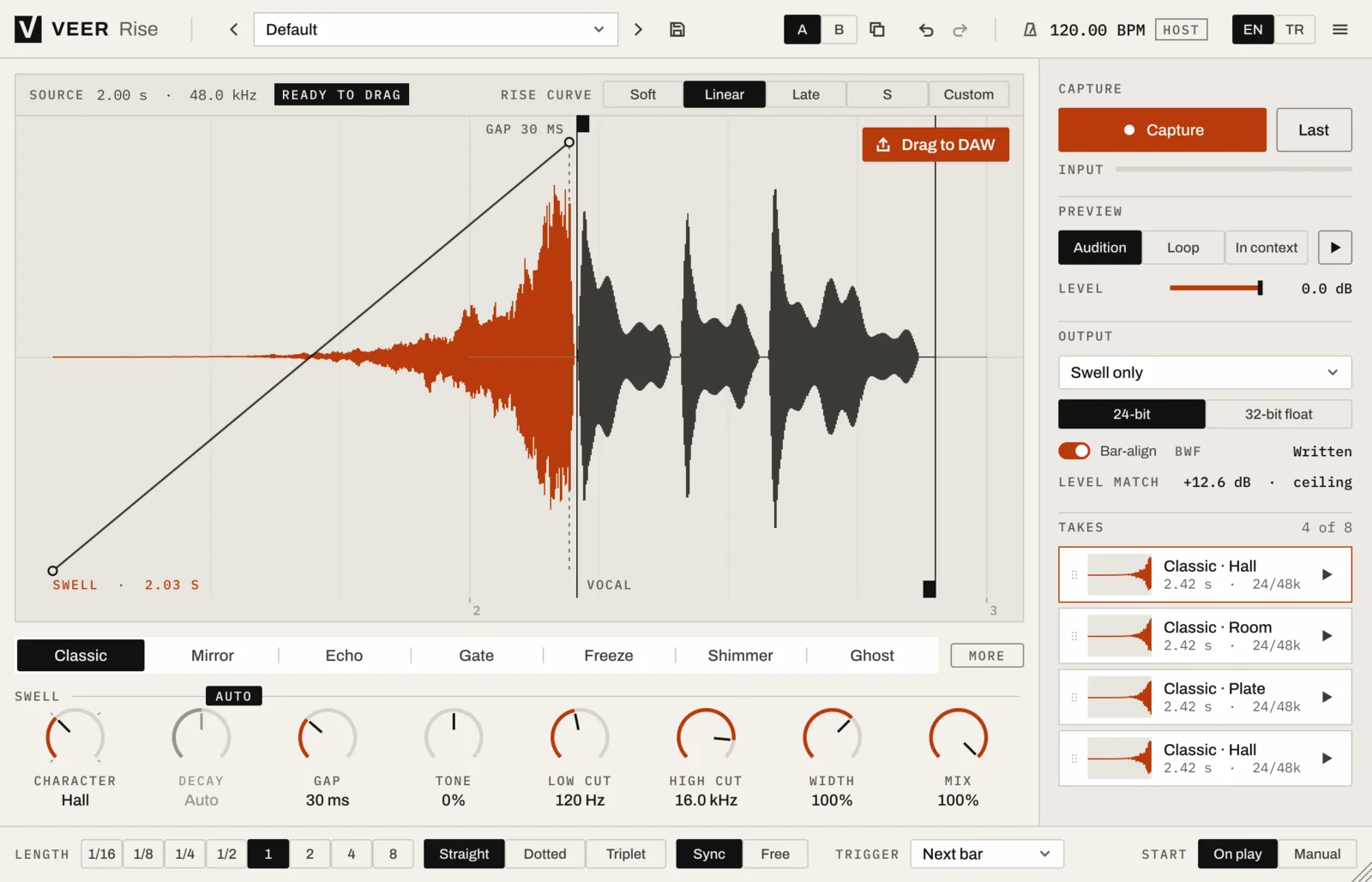
- Light and dark themes
- Presets with A/B comparison and undo
- Resizable window, sharp on high-resolution screens
- VST3, AU, CLAP and Standalone on Windows and macOS
| Windows | Windows 10 or later, 64-bit |
|---|---|
| macOS | macOS 12 Monterey or later, Universal (Apple silicon and Intel) |
| Formats | VST3, AU (macOS), CLAP and Standalone |
| Hosts | Any 64-bit host that loads VST3, AU or CLAP |
| Activation | Internet connection for activation; works offline afterwards within the offline period |
| Display | Resizable interface, sharp on HiDPI / Retina |
More
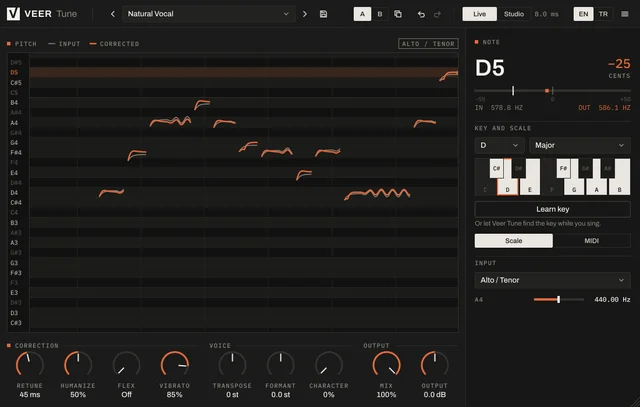
More vocal tools
Try it for 14 days. Then decide.
The trial is fully functional. When you buy, the same installation unlocks with your key.