

Vocal · Available
Veer DeEss
Smooth out sharp esses without dulling the voice.
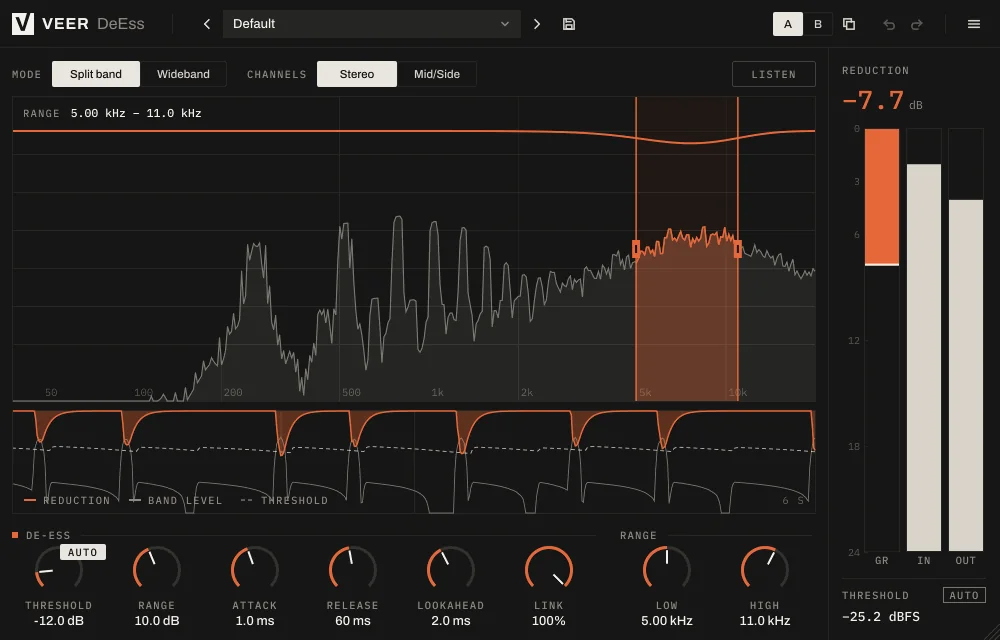
DeEss listens for the bright hiss of s, sh and t sounds and turns them down only when they jump out, so the rest of the vocal keeps its air.
 Enlarge image
What it does
Tames harsh s and sh sounds.
Only where it bites
Split-band mode turns down just the harsh range. Wideband mode lowers the whole signal for a more natural dip.
Hear what you remove
Listen mode plays only what's being taken out, so you can set it by ear in seconds.
Follows the singer
Auto threshold adapts to the vocal's level, so quiet verses and loud choruses get the same treatment.
Drag the range
Grab the highlighted band on the live spectrum and move it to where the harshness sits.
Screenshots
A closer look
Every Veer plugin
Built the same way.
- English and Turkish interface
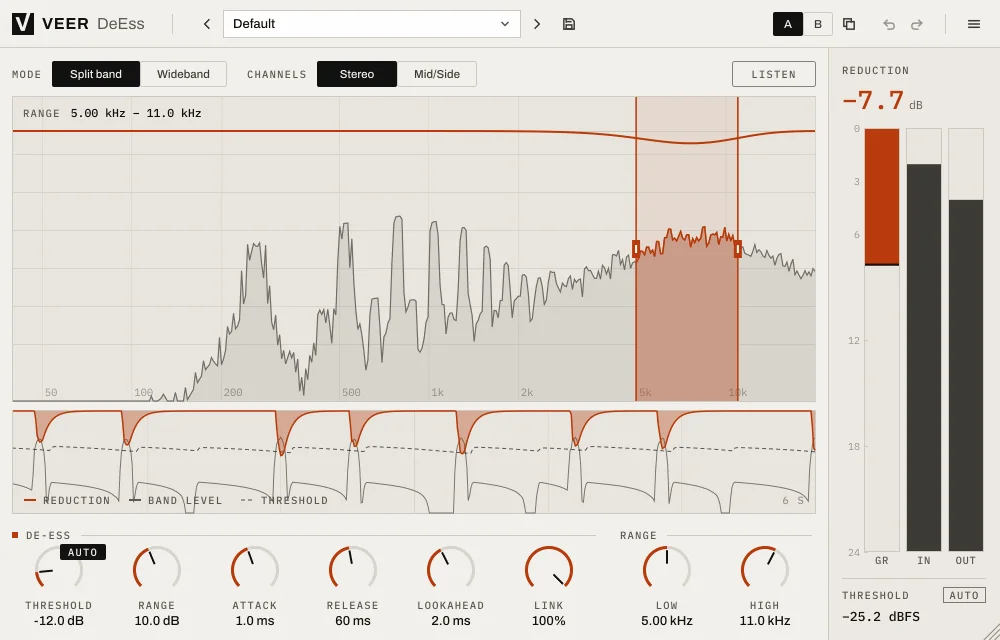
- Light and dark themes
- Presets with A/B comparison and undo
- Resizable window, sharp on high-resolution screens
- VST3, AU, CLAP and Standalone on Windows and macOS
| Windows | Windows 10 or later, 64-bit |
|---|---|
| macOS | macOS 12 Monterey or later, Universal (Apple silicon and Intel) |
| Formats | VST3, AU (macOS), CLAP and Standalone |
| Hosts | Any 64-bit host that loads VST3, AU or CLAP |
| Activation | Internet connection for activation; works offline afterwards within the offline period |
| Display | Resizable interface, sharp on HiDPI / Retina |
More
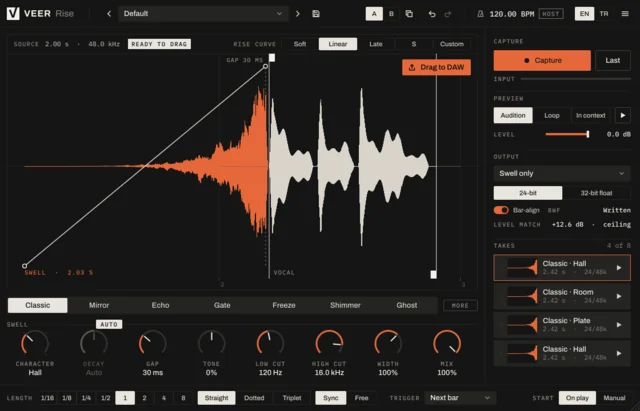
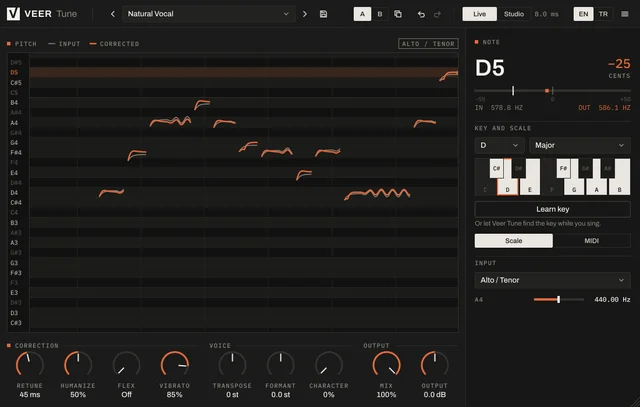
More vocal tools
Try it for 14 days. Then decide.
The trial is fully functional. When you buy, the same installation unlocks with your key.